
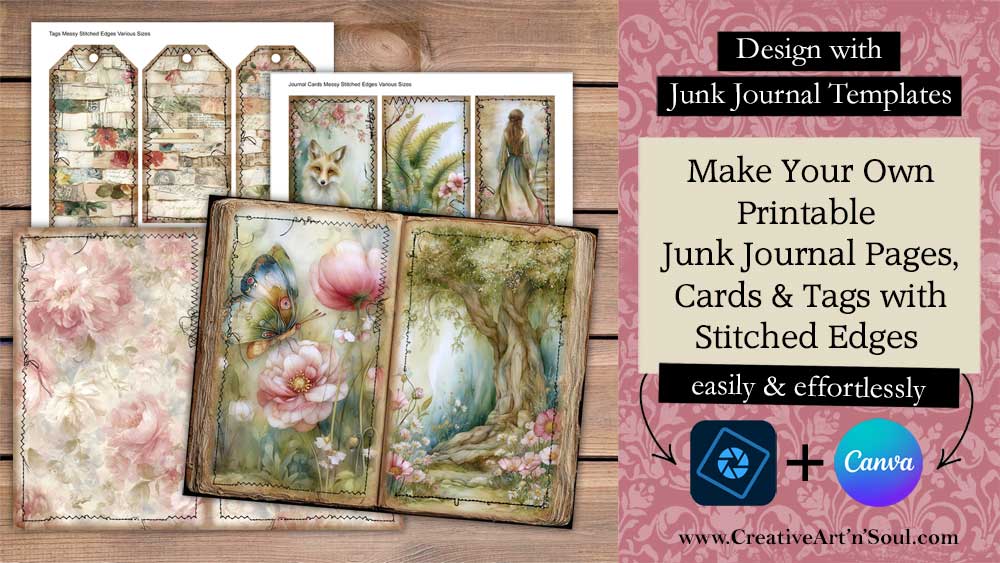
Learn how you can make your own printable junk journal pages with stitched edges – without using a sewing machine.
Do you love the idea of creating your own unique junk journal pages but find yourself short on time or artistic inspiration? In today’s digital age, crafting beautiful printable junk journal pages has never been easier. Using digital papers and templates, you can unleash your creativity and create unique edges for your junk journal pages easily and effortlessly.
Whether you’re experienced at making your own printable junk journals or a complete newbie looking to dive into the world of junk journals, these digital tools are your secret weapons for crafting one-of-a-kind printable junk journal pages that will add charm and character to your junk journals.
How to make Printable Junk Journal Pages with Stitched Edges
Supplies
- Junk Journal Templates with Stitched Edges
- Junk Journal Template Library
- Printable Junk Journal Papers
- Epson EcoTank Printer
- Cardstock
Get Started
To get started making your own printable junk journal pages, cards and tags with stitched edges you’ll need some digital papers and a set of junk journal templates with stitched edges.
The junk journal page templates comes in two sizes – to fit junk journal pages size 11″ x 8.5″ and junk journal pages size 10″ x 7″. Each set includes 12 stitched overlays in png format that can be mixed and matched to create unique border effects.
The junk journal card templates and tag templates also include a set of canva frame templates.
How to Use the Page Templates
You can use these templates together with your own digital papers, with any type of photo editing program such as photoshop or photoshop elements, or even canva. I’m using Photoshop Elements.
To use the page templates, make a new file size 11″ x 8.5″ or 10″ x 7″ depending on the size of your templates, then add a digital paper
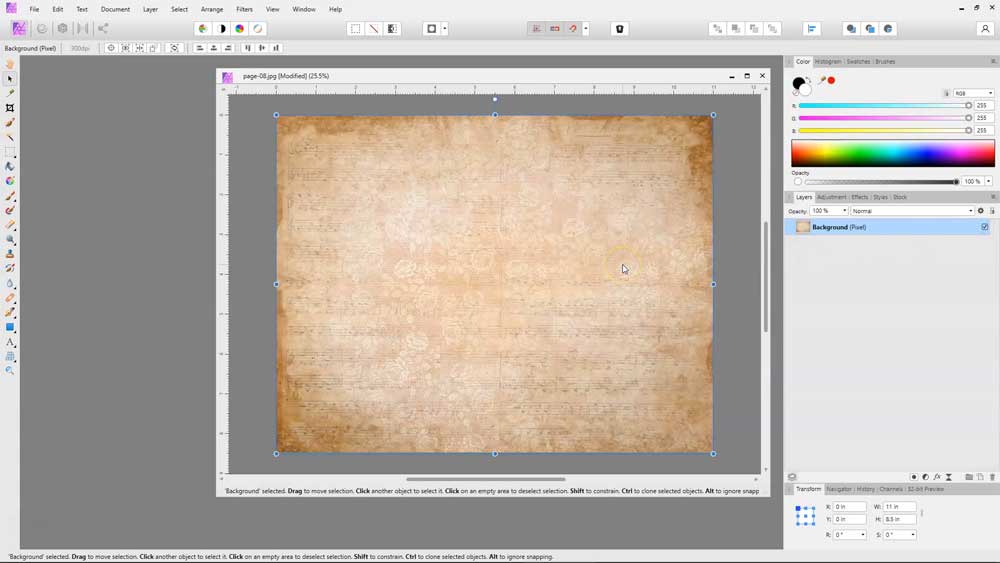
Select one of the stitched templates and place it on a layer above the paper layer. The templates are designed to fit on one half of the page so you can easily mix and match them.
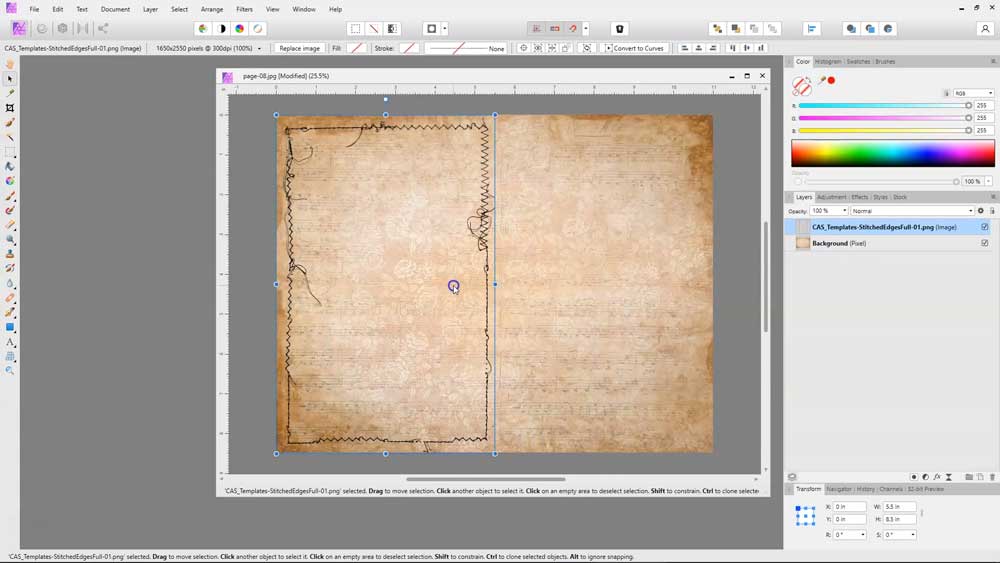
There are various ways you can position the template. Duplicate the template and move it to the other side to create a double-sided stitched page.

Flip the template over for a mirror image effect.
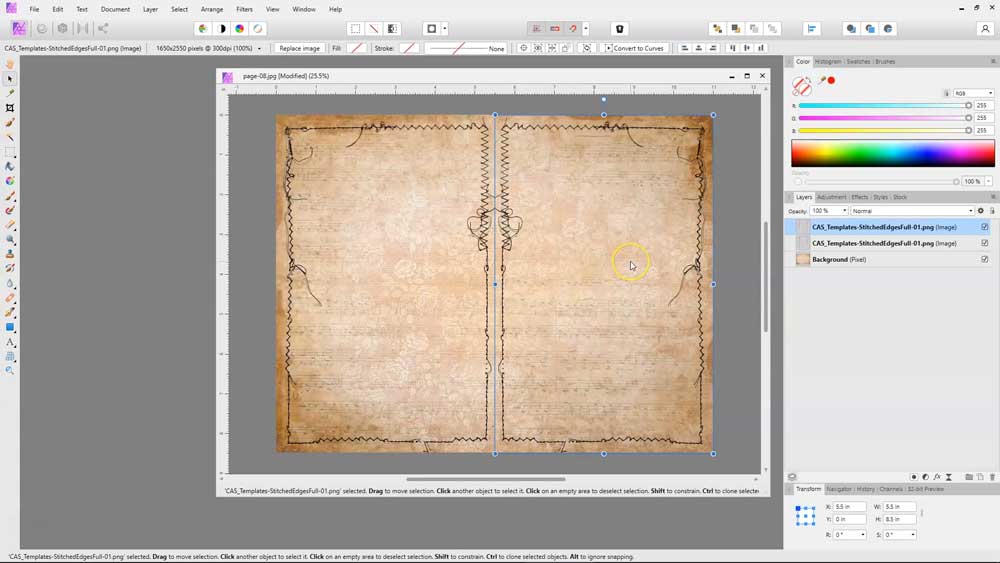
Or you can add a completely different template.

You can layer more than one template, one on top of the other and rotate them and flip them around until you have a page design that you like.
This mix and match system gives you endless design opportunities to create unique printable pages for your junk journals.
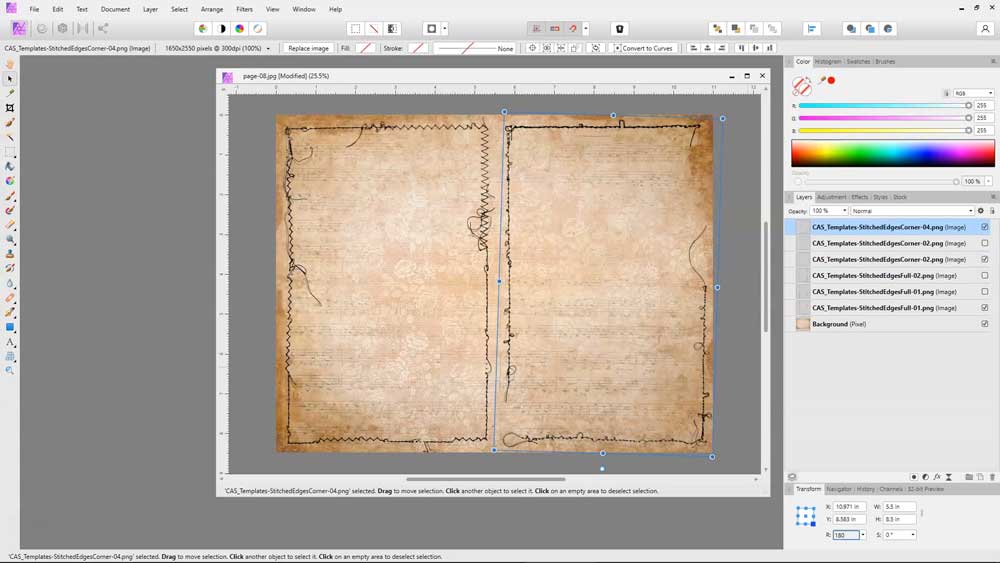
Included also in this set is a shaded border that you can use to create a vintage style edge.
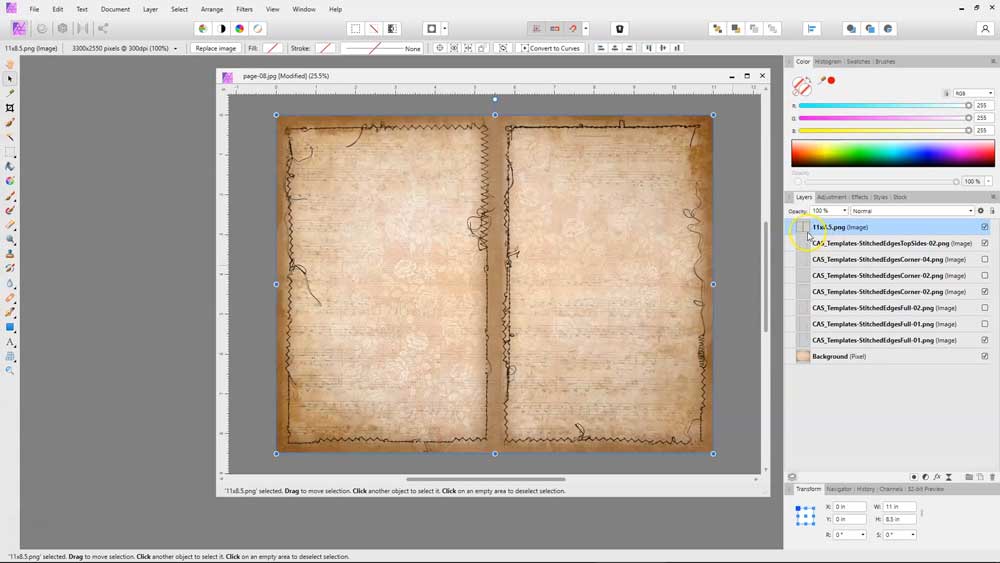
You can also combine these stitched templates with other types of page templates that can purchased separately. Using these templates will give you even more options for creating unique journal pages.
If the stitched overlays don’t fit perfectly after adding a border edge template, simply resize them a little by pulling the resizing handles.
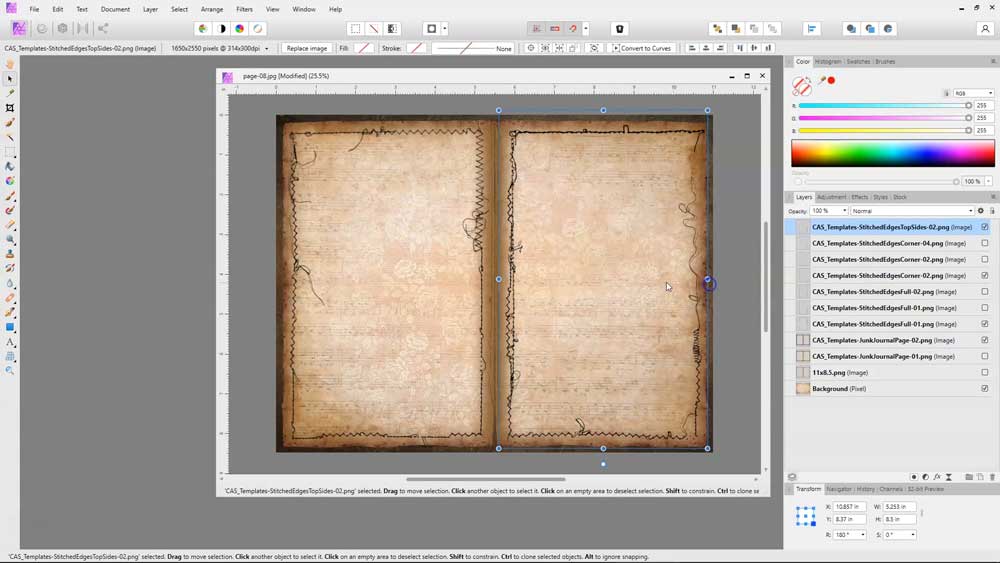
The templates will work with all types of different digital papers, patterns, and backgrounds.

How to Use the Card and Tag Templates
To use the card and tag templates, open one of the templates in your software program. You can use one background paper to create quick and easy cards or you can use individual papers to create unique individual cards.
Add the papers them move them to a layer underneath the template layer.
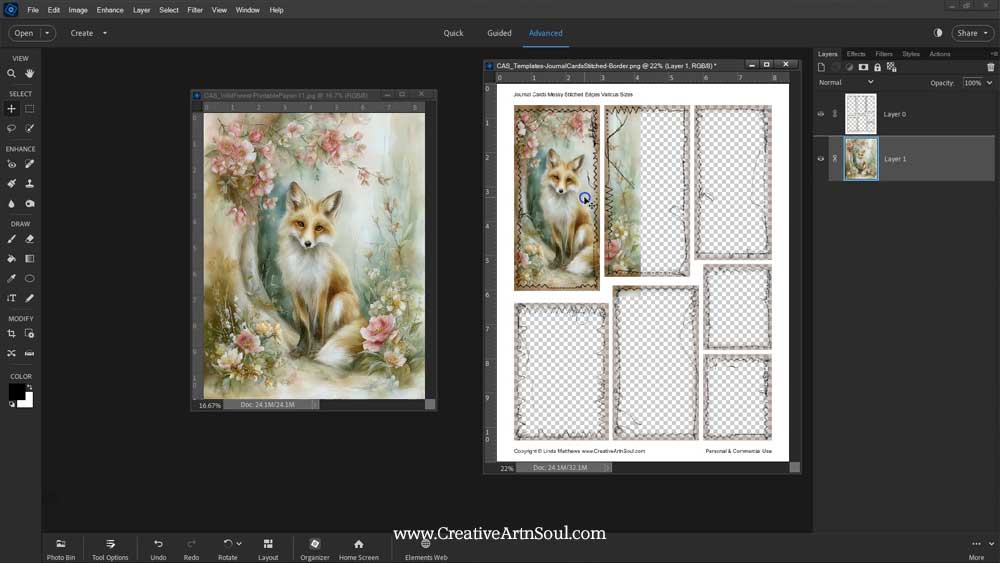
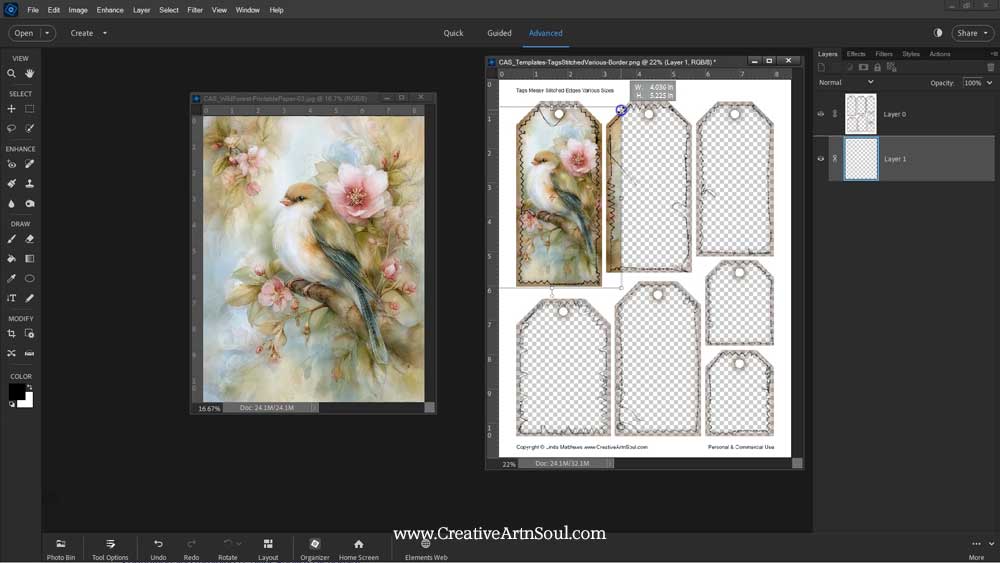
Once you’ve finished your modifications, all you need to do is save the file to jpg format and then print it out and use it in your junk journals.
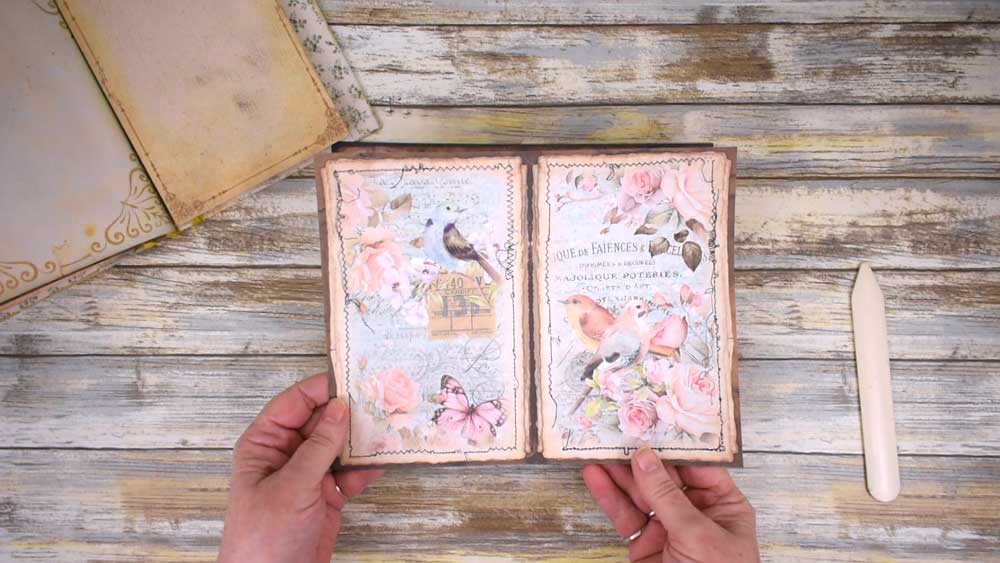
Using these templates you can quickly turn your digital papers and patterns into printable junk journal printable in no time at all.
How to Use the Card and Tag Templates
The cards and tags templates also include pdf format. To print using the pdf file, open the template file and select the page you want to print. In the print dialog box, make sure the page scaling option is set to “none” or similar wording depending on your software, so that the template prints at the correct size.
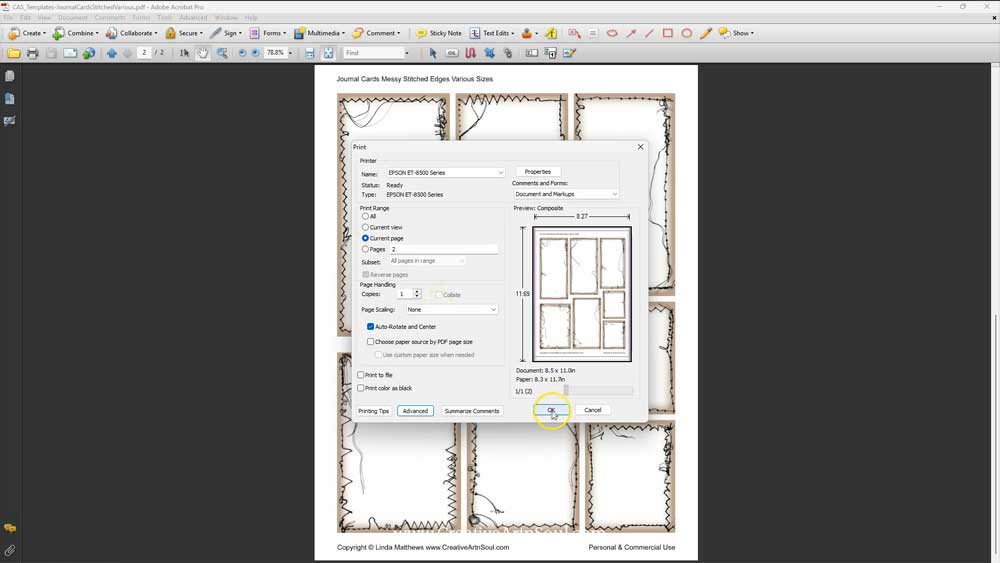
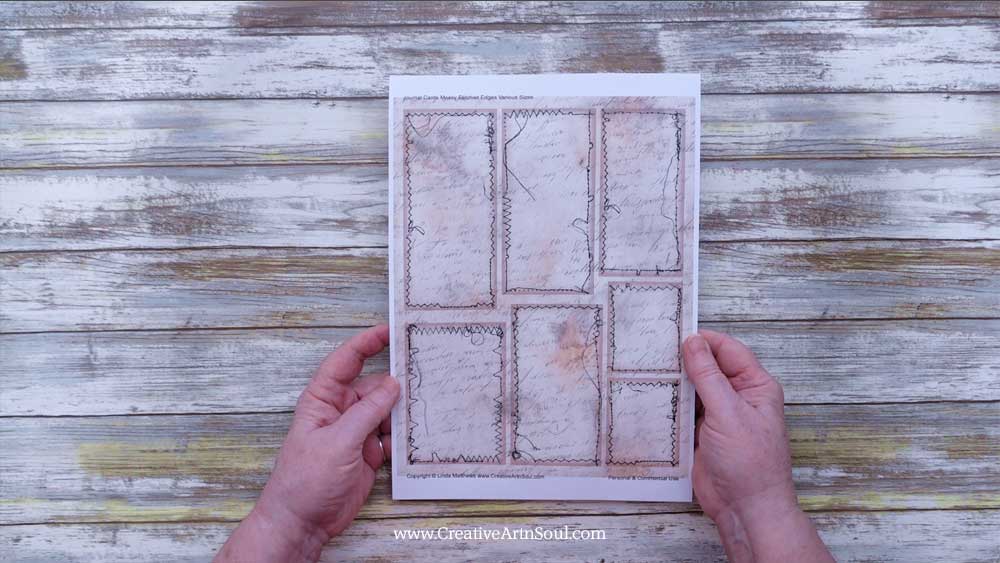
Insert a sheet of printed paper or scrapbook paper into your printer and then print the template page.
How to Use the Page Templates in Canva
As well as designing in programs like photoshop, you can also use the templates in canva. To get started, log into your canva account.
To use the page templates, make a custom page size 11″ wide by 8.5″ high or 10″ wide x 7″ high, depending on the set of templates that you’re using. Then upload the templates and the background papers that you want to use. You can use one horizontal background paper or two vertical papers to make your junk journal page.
First add the background paper and then add the templates on top.
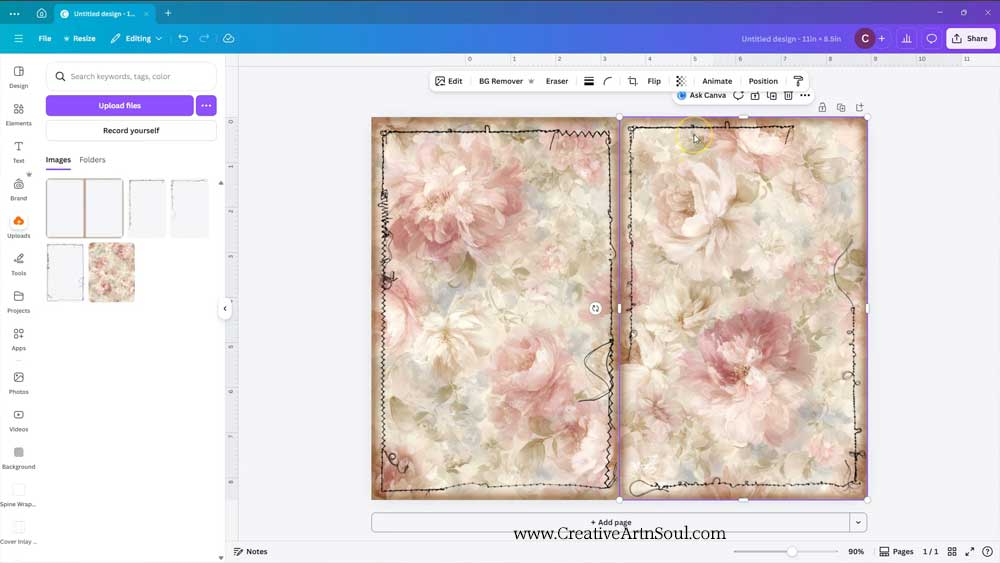
How to Use the Card and Tag Templates in Canva
To design using the card and tag templates, log into your canva account. Then click the link to the canva template. You can find the link in the document that’s included with your download. When the browser page opens, click the “view template” button then upload the background papers that you want to use.
The canva frame templates include individual frames for the each of the cards and tags. As well as the overlay templates which have line guides and the vintage style border.
You can use the templates in several different ways.
You can add one paper to cover the whole of the background area. To do this, click on the thumbnail then move the paper to the top left corner and resize to cover the background.
Then move the template overlays to the top layer. To do this, click on the background paper then click the “position” button on the top menu. Select the “layers” tab and then you can drag the layers into the correct order. The templates are located on layers underneath the frames.
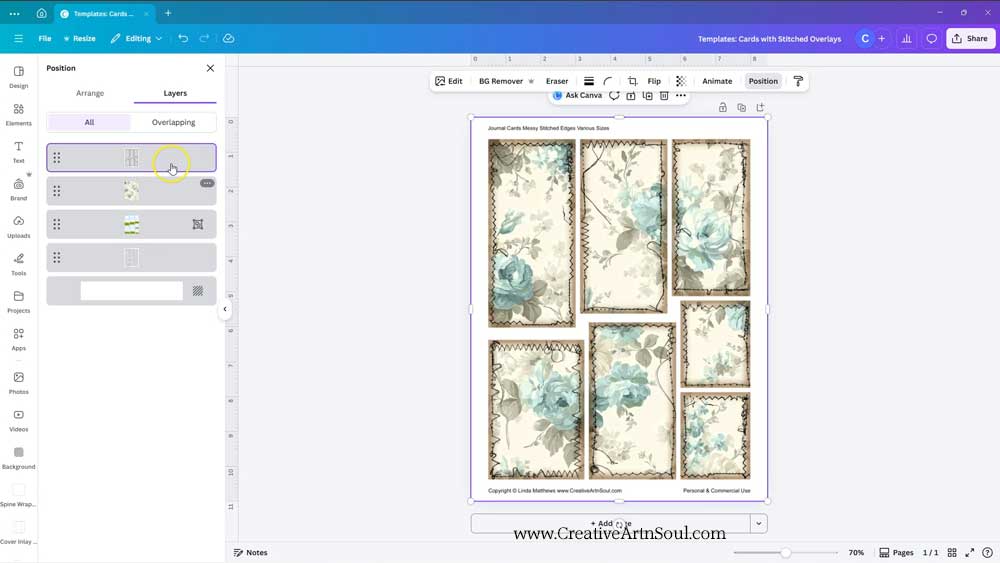
You can add individual papers to each element by dragging the paper out of the uploads section, and hover over the frame until the paper clicks into place.
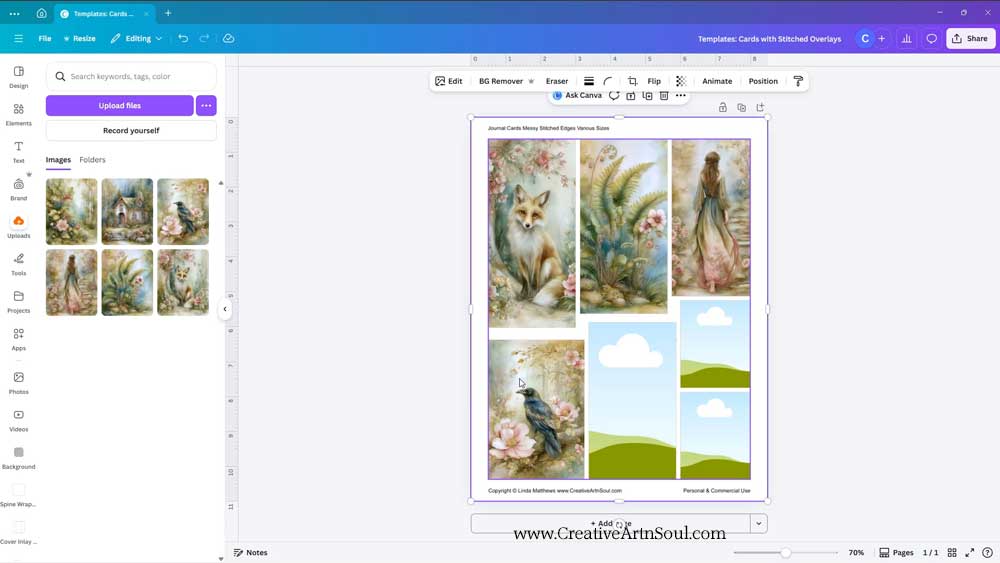
Once you’ve finished designing, download the files your desktop. Click the share button and then download. Select file type pdf print and make sure to check “flatten pdf”. Then click the download button.
Save this pin to your favorite Pinterest board!
