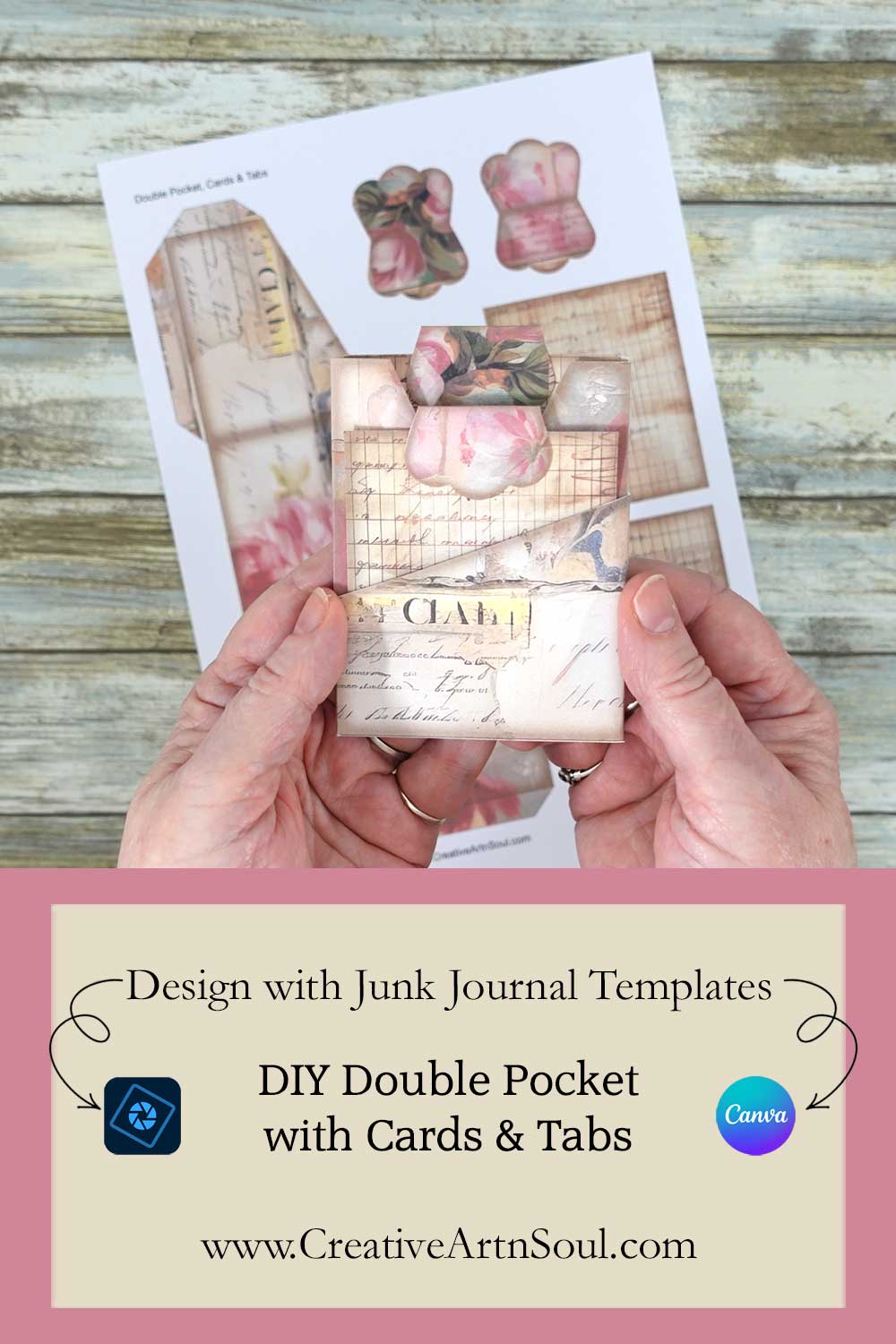
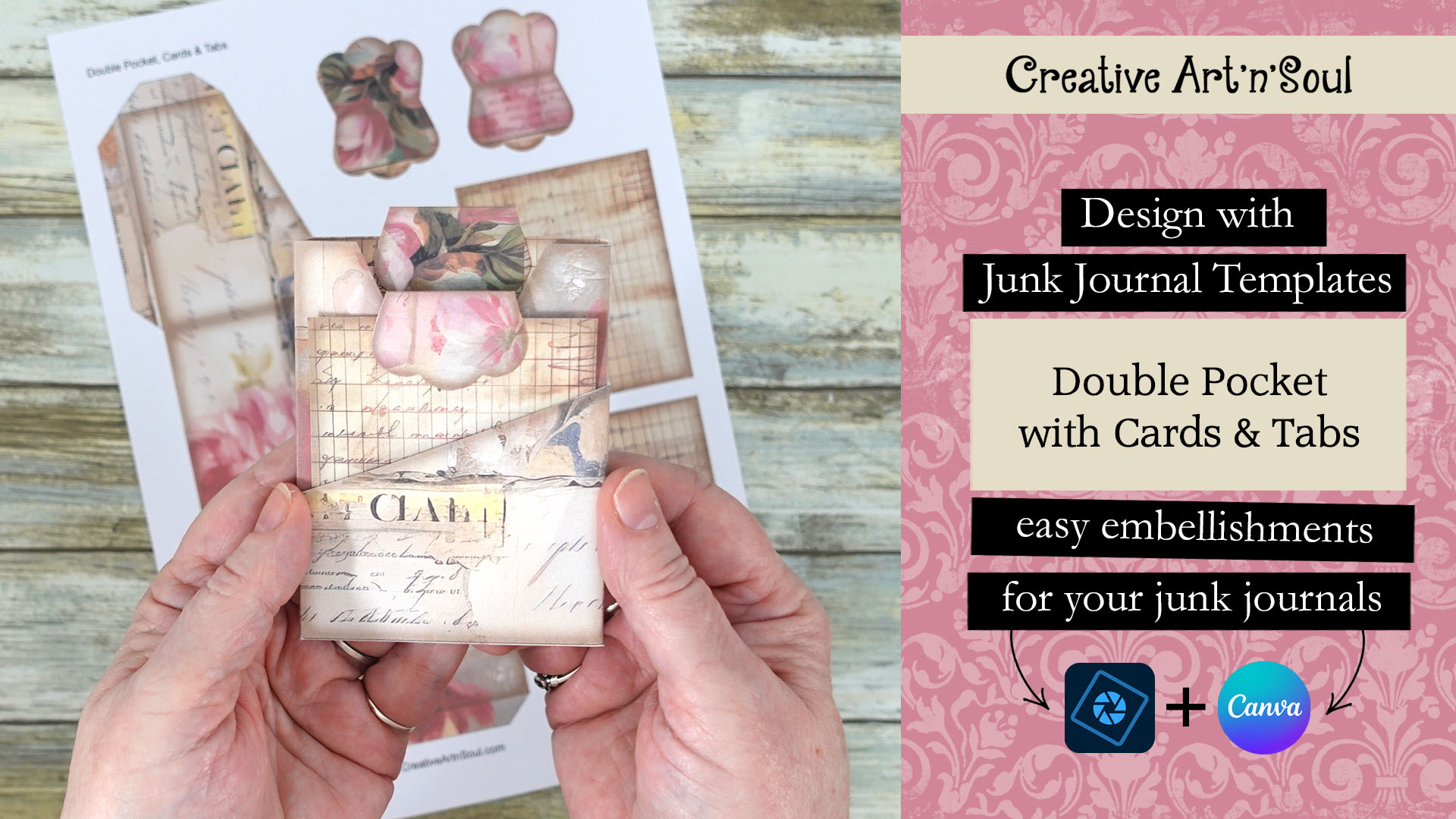
Design and make your own printable junk journal pocket embellishments using this easy-to-use junk journal template set.
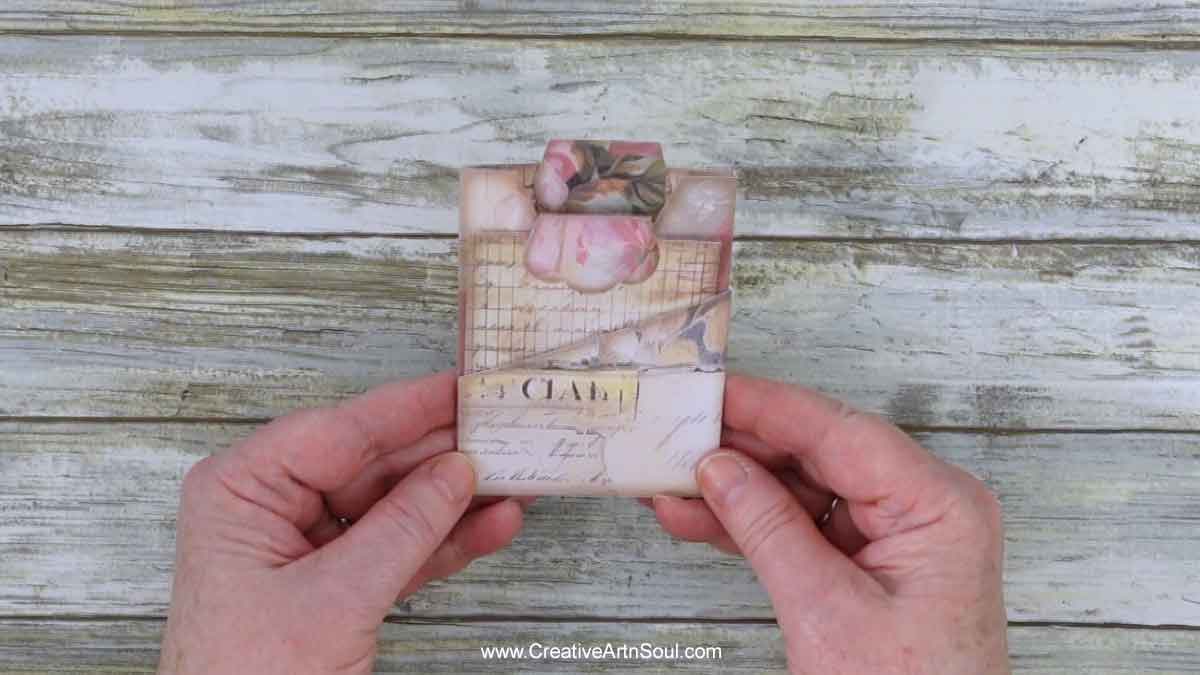
This junk journal pocket embellishment with cards and tabs set is easy to make using this junk journal template set.
The template set includes two different types of edges; one with a vintage style border and one with lined edges. They can be used with different types of digital papers to create unique embellishments for all your junk journals.
The templates are available here where you can also find a whole range of other templates that you can use to create your own unique junk journal printables.
The templates come in two formats. The pdf format is easy to print and can be used with your own printed papers or scrapbook papers.
Or you can use the transparent png format in a photo editing program such as photoshop, photoshop elements and photopea. And they can also be used in canva. Using the png format gives you more creative options for designing using digital papers and other template overlays.
How to Make the Printable Junk Journal Pocket Embellishment Set
Supplies
How to Design the Junk Journal Pocket Embellishment
Design Using the PDF File
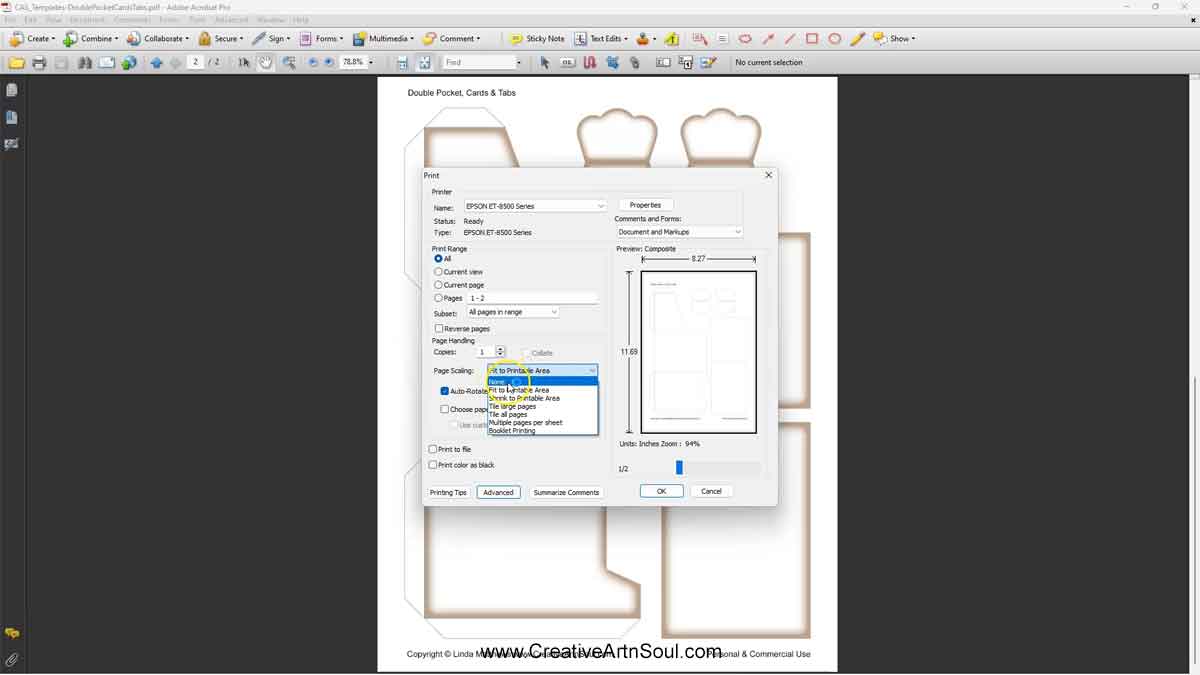
To print the junk journal pocket embellishment using your own paper, open the pdf template file and select the page you want to print.
In the print dialog box, make sure the page scaling option is set to none so that the template prints at the correct size.
Insert a sheet of printed paper or scrapbook paper into your printer and then print the template page.
Design Using the PNG Files
Although the pdf templates are quick and easy to use you have more options for creating unique designs when using the transparent png format files.
To get started designing the junk journal pocket embellishment using the png format files, open one of the templates in your photo editing program. I’m using photoshop elements however you could also use photoshop or photopea which is free to use.
Then add a digital paper and move it to a layer underneath the template layer. The easiest way to move the paper is to simply drag it out of the frame and onto the template document.
You can rotate, resize and move the paper around and even use multiple papers to align within the individual elements.
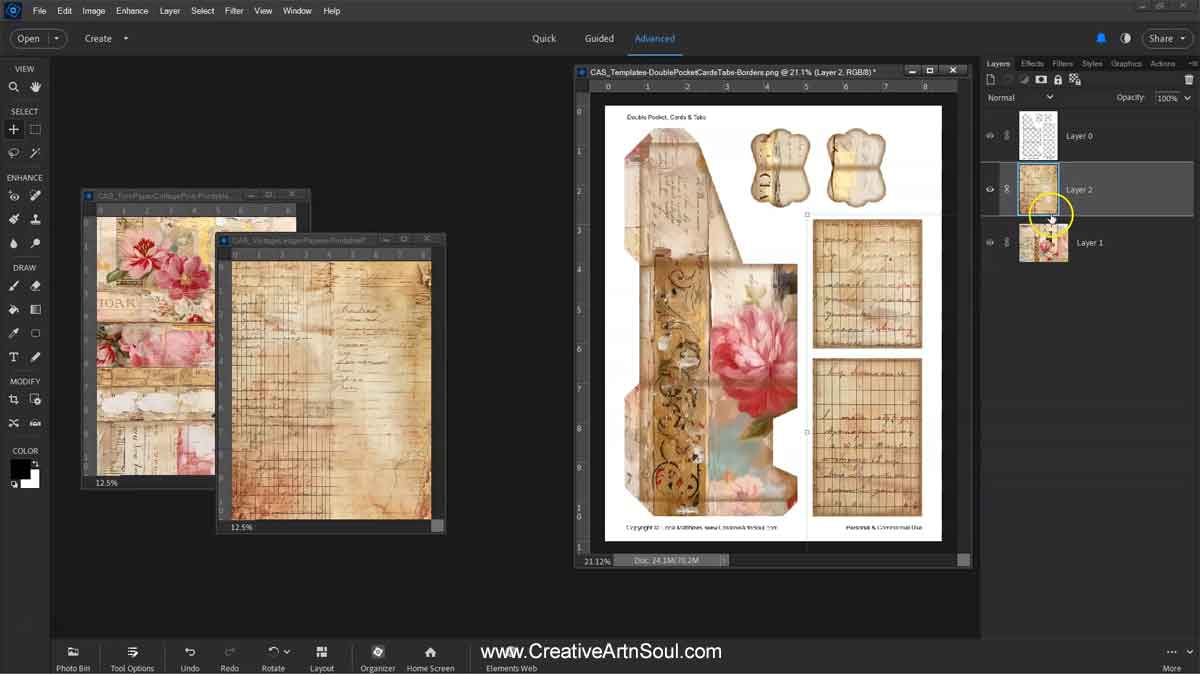
If there is any unwanted overlap of the papers onto other areas of the template, add a layer mask and brush away the excess. Using a layer mask you can hide any unwanted areas on your design.
To add a layer mask, select the layer then click the “layer mask” icon. Make sure the layer mask is selected, than select the brush tool and the color black and then brush over the areas that you want to remove.
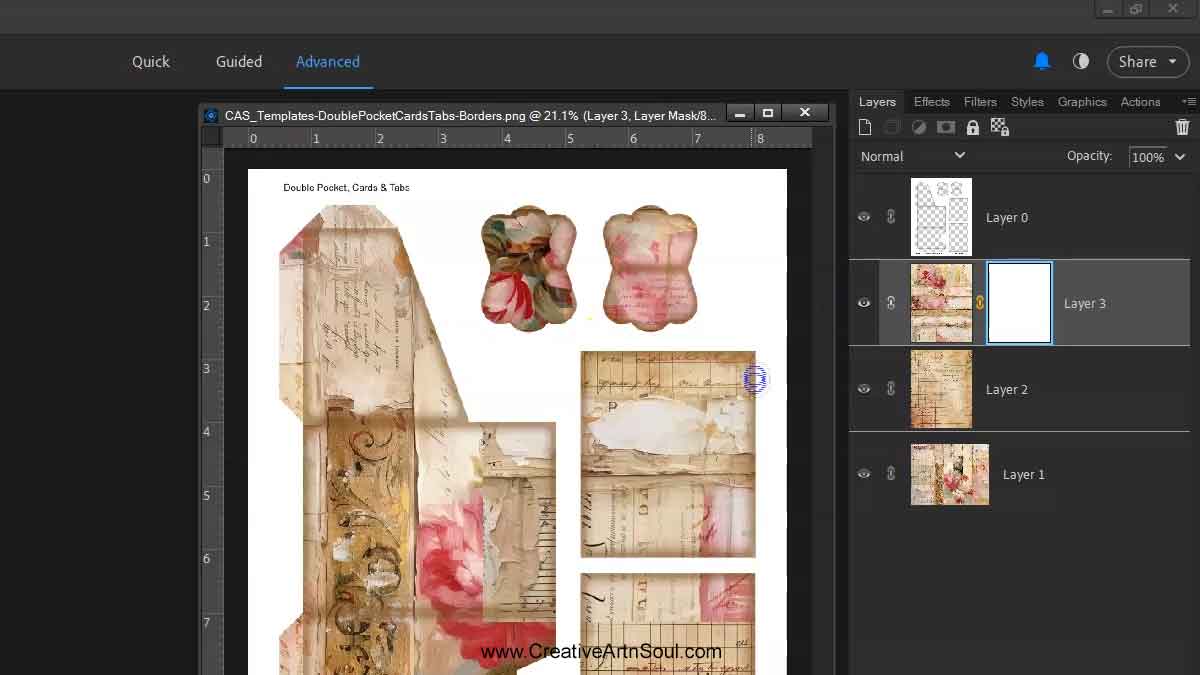
Once you’ve finished designing save the file and print it out onto good quality cardstock.
You can print directly from your software program or save the file in jpg format for printing at a later time.
Design Using the PNG Files in Canva
As well as designing in programs like photoshop, you can also design the junk journal pocket embellishment using the png format templates in Canva.
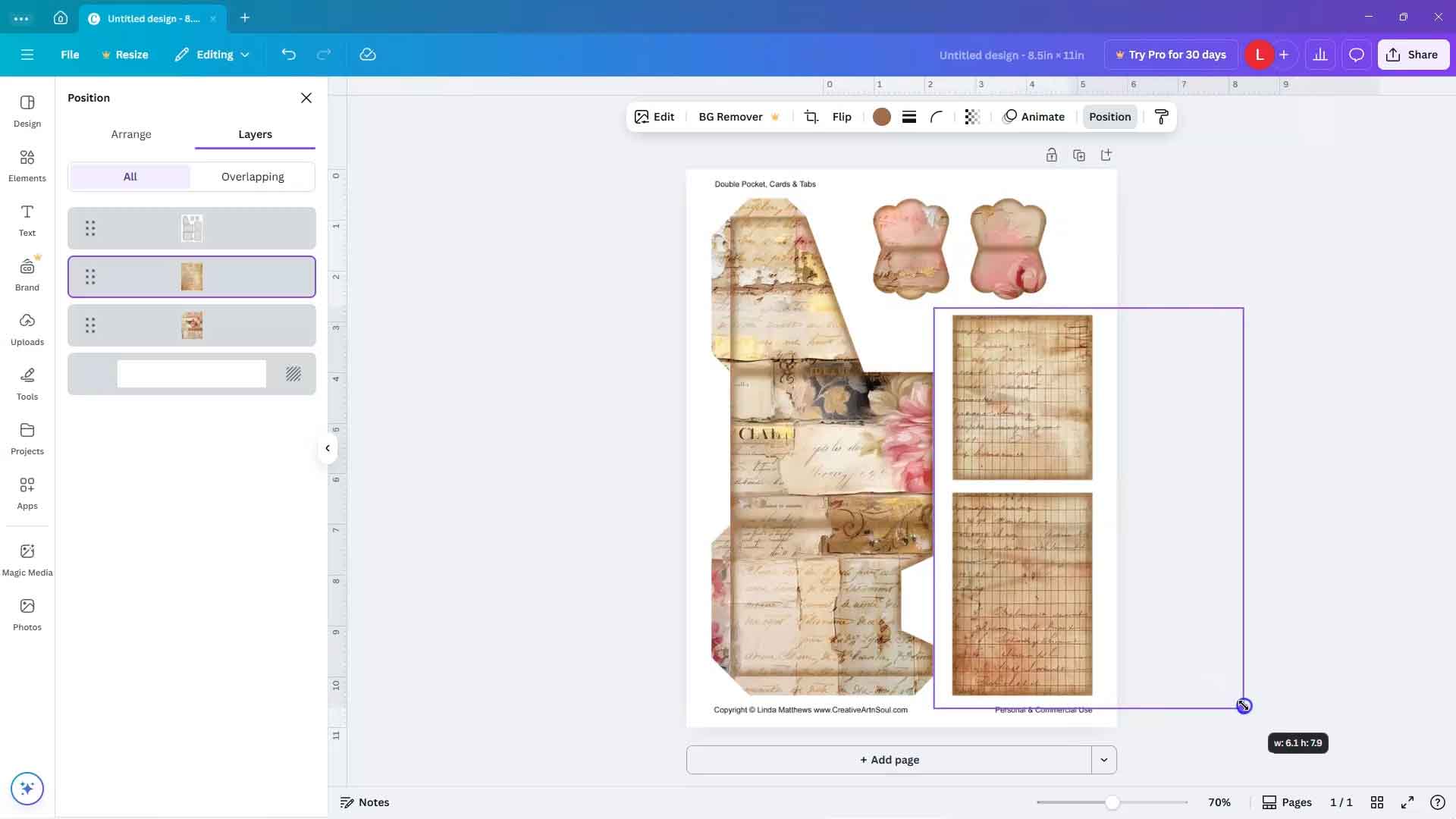
Log into your canva account and create a new custom document size 8.5″ wide by 11″ high then upload the png format template and the digital background papers.
To upload, you can use the “upload files” button and select the files from your desktop. Or drag the files out of the folder and drop them onto the canva editor.
To add the files to the template, click on the thumbnail that you want to use and it’s automatically inserted onto the document. Then resize to fit.
Make sure that the template is on the top layer. If you need to rearrange the layers or resize the papers, click the “position” button, then the “layers” tab.
You can then move the layers by dragging them into position. To resize a paper, click on the layer and then use the resize handles to move it around and resize it.
Once the design is completed you can save it to your desktop. Click the share button and then download. Select file type pdf print and make sure to check “flatten pdf”, then click the download button.
How to Assemble the Junk Journal Pocket Embellishment
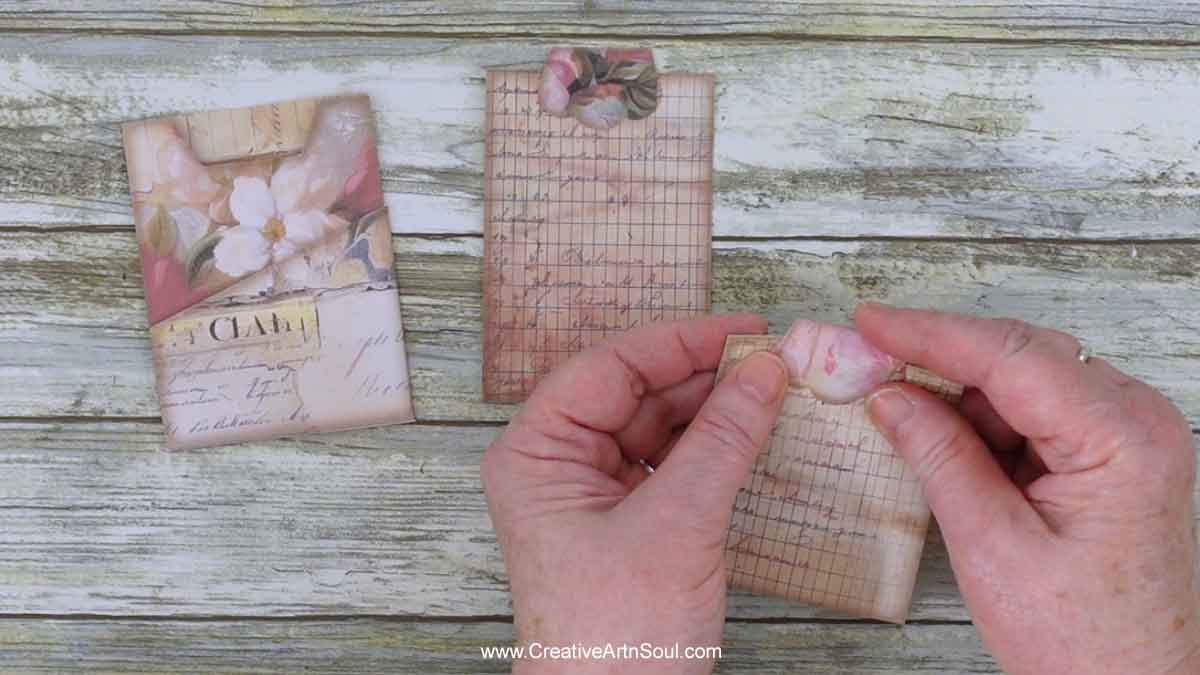
To assemble, print the design onto good quality cardstock. Then cut out the pieces and crease and fold the tabs on the pocket and the foldover pocket section. Also crease and fold the card tabs in half.
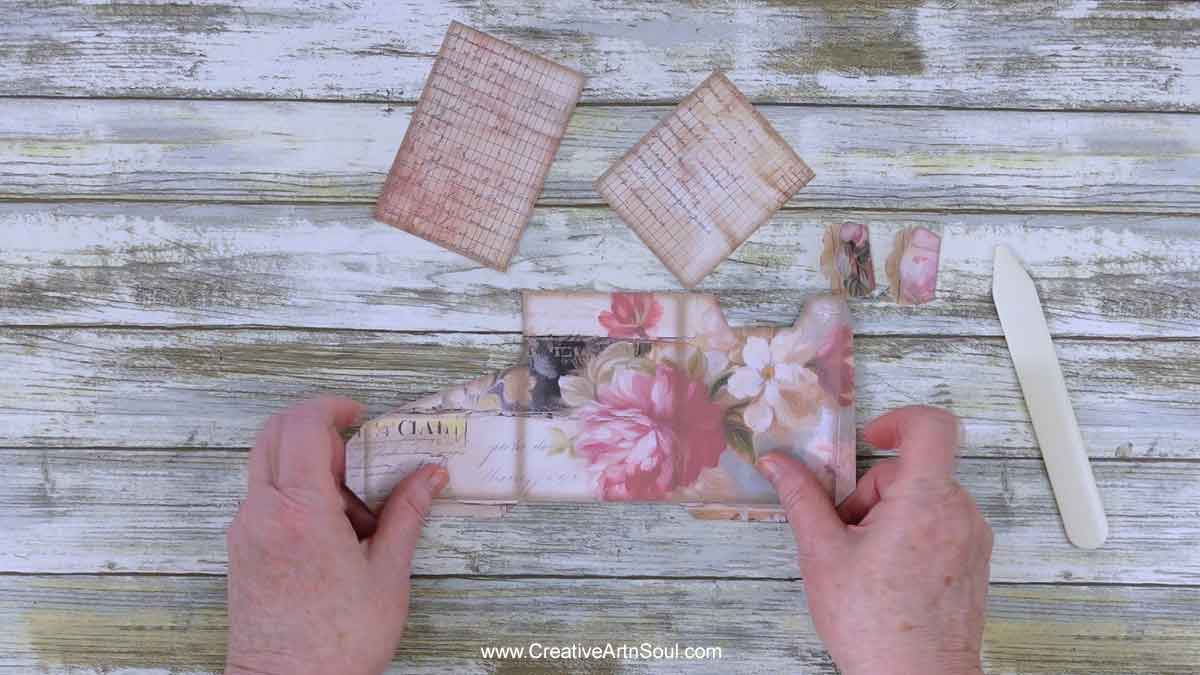
Apply double sided tape to the pocket tabs, then fold the tabs on the main pocket section under, align the side edges, and press with a bone folder.
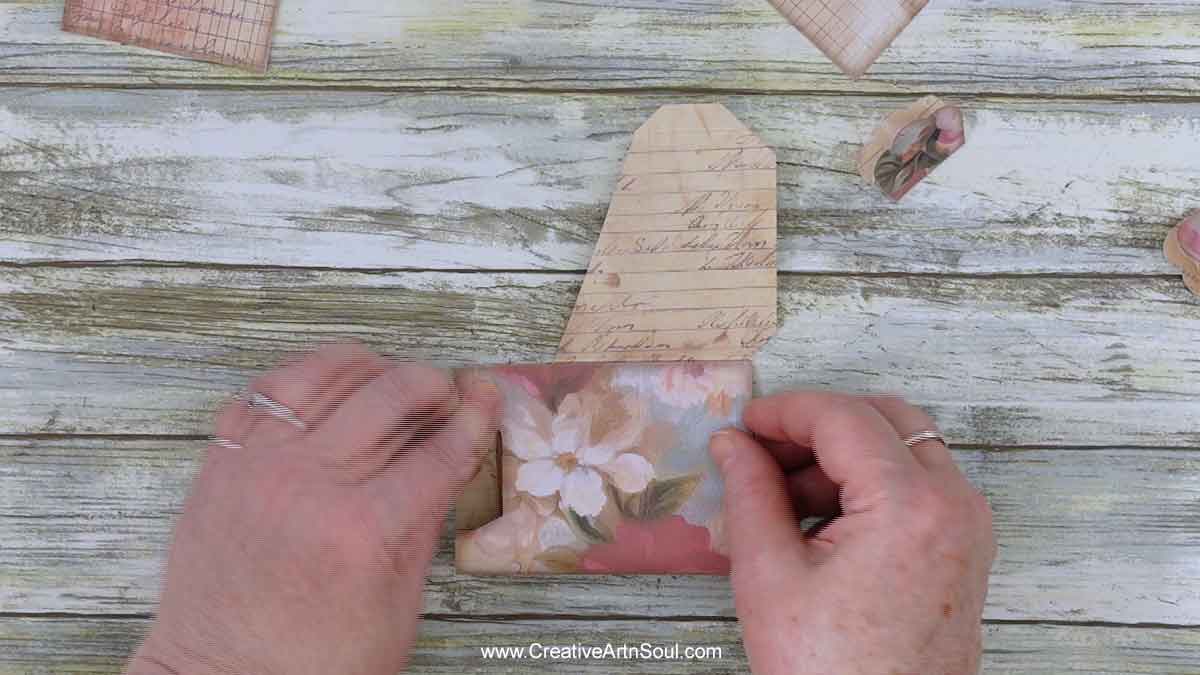
Fold the tabs on the foldover pocket section under, align the side edges, then press with a bone folder.
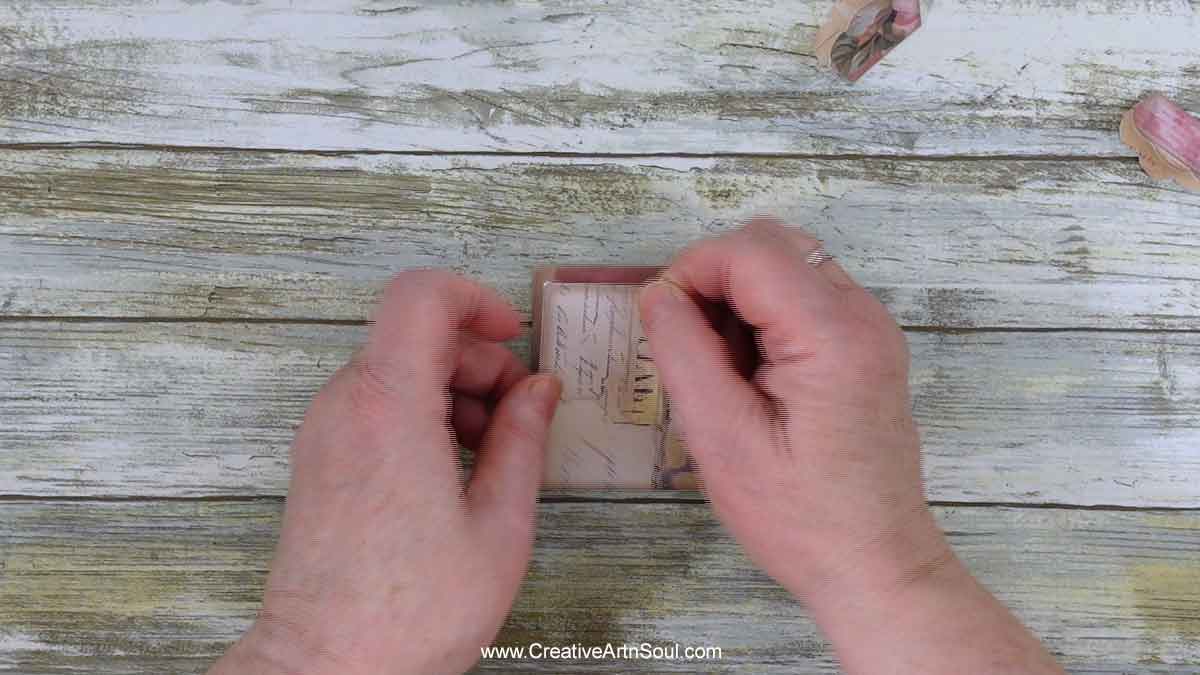
Finally, use a gluestick or liquid glue to glue the tabs to the top of the pockets.
Save this pin to your favorite Pinterest board!