
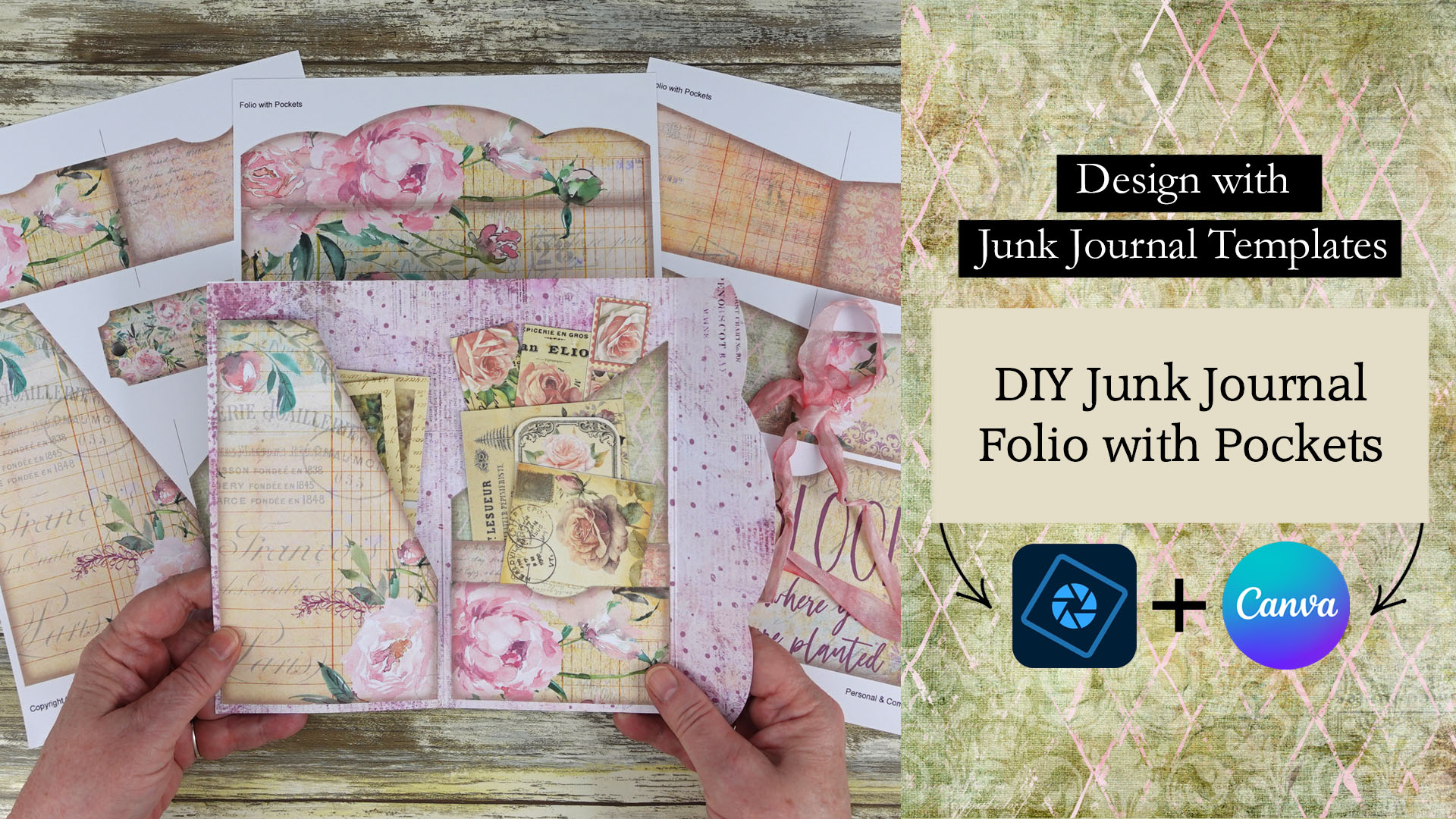
Learn how easy it is to make a junk journal folio with pockets that can be used to embellish your junk journals.
Printable junk journal folios are a great addition to your junk journals. These folios can be used as embellishments in your junk journals, or they can be more functional and used to hold junk journal clipart or other types of printable ephemera.
While making a junk journal folio from scratch can be time consuming, you can save time using this junk journal folio template.
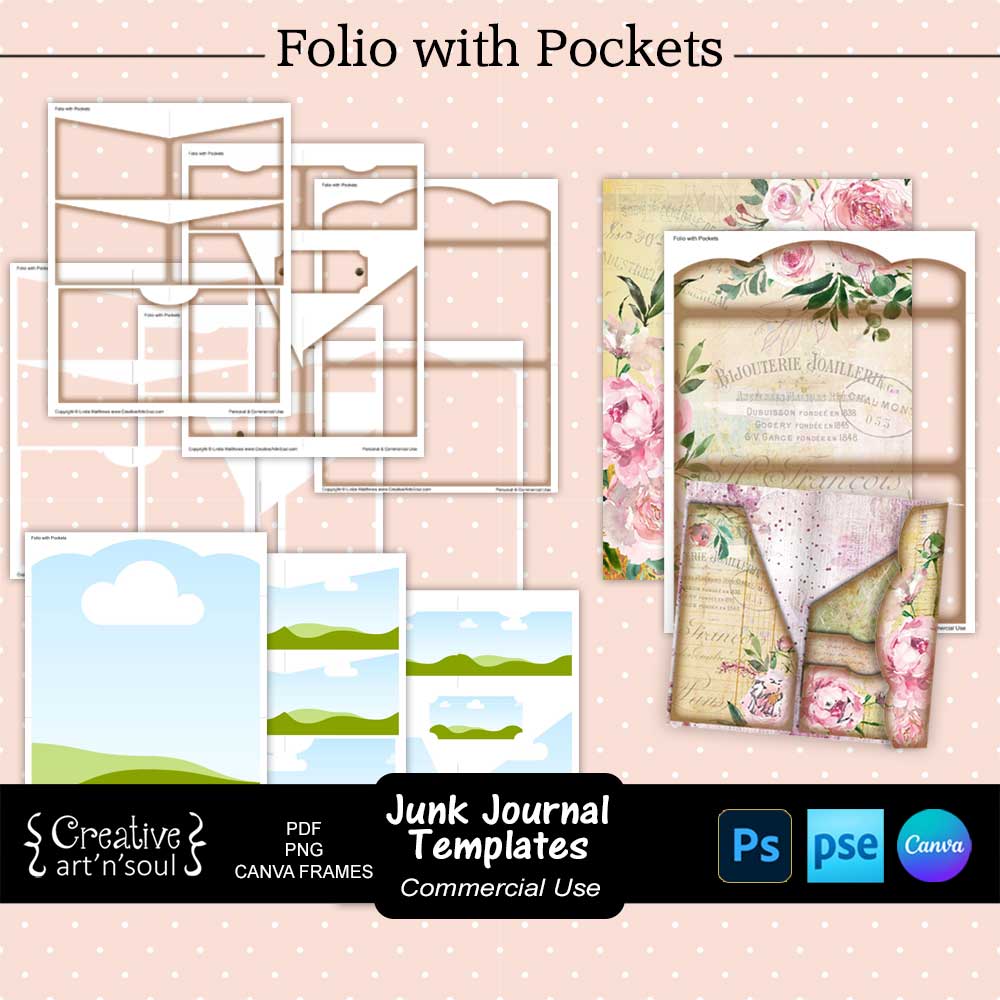
This junk journal folio template set includes a folio cover with a foldover section, together with lots of different pockets so you can create an unlimited number of folios by simply rearranging the way you attach the pockets.
The template comes in three formats. The pdf format is easy to print and can be used with your own papers. You can use the png format in a photo editing program such as photoshop, photoshop elements, photopea or similar programs, which gives you more creative options for designing using digital papers. The canva frame templates can be used in canva.
Included are two styles; one with a border for a vintage style finish, and one with no border for a clean edge finish.
Design the Junk Journal Folio with Pockets using the PDF Template
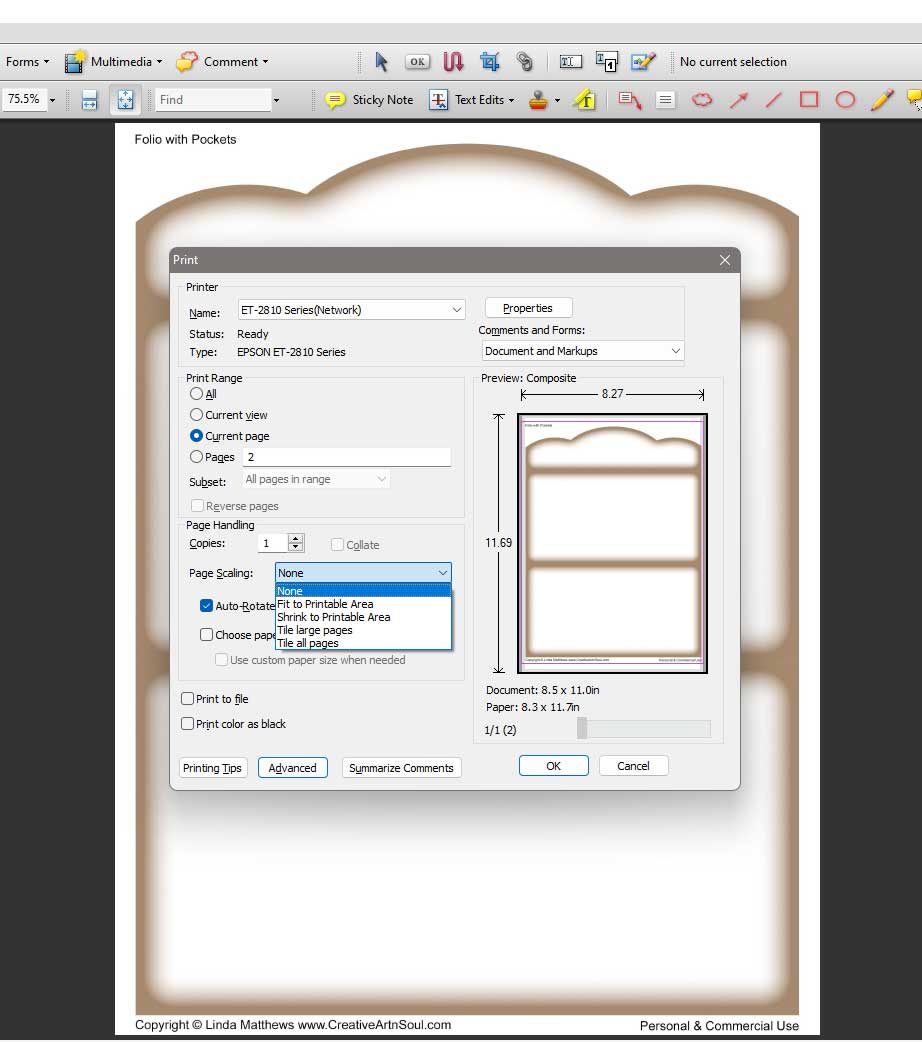
To print using your own paper, open one of the pdf template files. Make sure the page scaling option is set to none so that the template prints at the correct size.
Insert a sheet of decorative paper into your printer and the print.

Cut out all the pieces and assemble.

Design the Junk Journal Folio with Pockets using the PNG Template
While the pdf format template is quick and easy to use with your own papers, the png format templates gives you more options for designing.
In this demonstration I’m using Photoshop Elements however you can use any type of photo editing program such as photoshop or photopea, to achieve the same results.
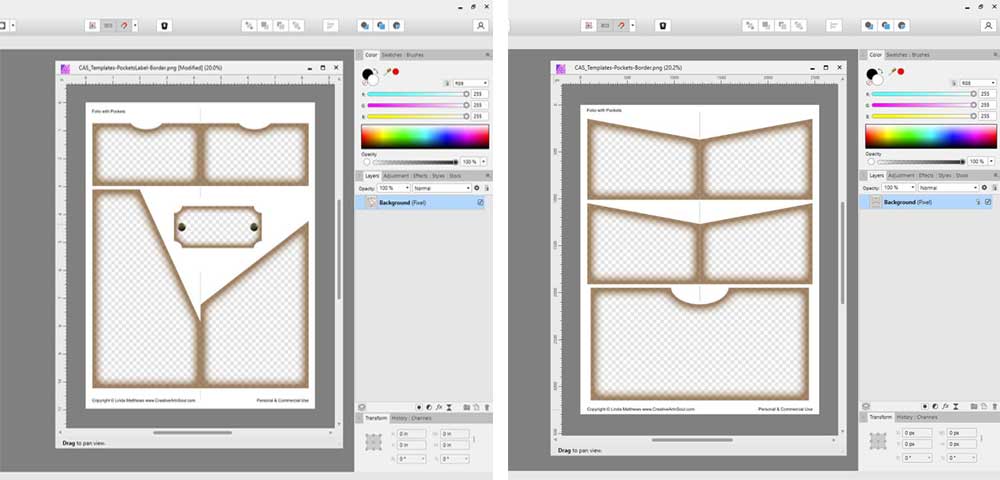
To get started designing using the png format, open the folio cover template in your photo editing program. Add a digital paper and move it to a layer underneath the template layer.
Once you’re happy with the layout, you can print the file directly from your software program, or save the file in jpg format for printing at a later time.

Next open the pocket templates. You can add different papers to make pockets in coordinating colors and designs. Just make sure to place the papers on a layer underneath the template and then position them wherever your want to.

Design the Junk Journal Folio with Pockets using the Canva Frame Templates
As well as designing in programs like photoshop, you can also design the folio pages in canva using the canva frame templates.
To get started, log into your canva account. Then click the link to the canva template. You can find the link in the document that’s included with your download. When the browser page opens, click the “view template” button.

To upload your background paper files you can use the “upload files” button and select the files from your desktop. Or drag the files out of the folder and drop them onto the canva editor.
Drag the thumbnail onto the document until it snaps into place within the frame.
The vintage style border overlay and the lined overlay include the fold line guides. To use use these overlays, click on the position button on the top menu, then select the layers tab. The two overlays are located underneath the frame layer. Select one of the overlays and move it to the top layer.

Once your designs are complete, download to your desktop. Click the share button and then download. Select file type pdf print and make sure to check “flatten pdf”. Then click the download button.
Assemble the Junk Journal Pocket Folio
Once the designs are completed, print each of the pages onto a sheet of cardstock. Make sure to print a full page design on the back of the folio cover.
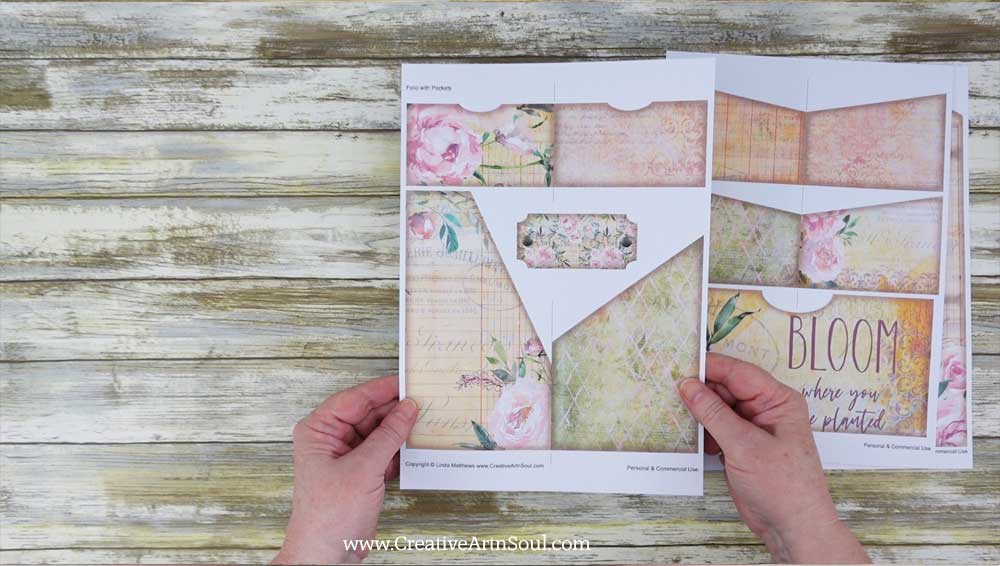
To make the folio, first make a crease on the foldover flap on the folio cover. Then cut out all the pieces.

To make the folio folder, press the foldover flap with a bone folder to make a sharp crease, then fold the other end over and align up against the fold and press with a bone folder.

There are lots of different pockets that you can use to make different folio layouts. Attach the pockets to the inside or outside of the folio cover, or both sides.
To attach the pockets, apply some glue down both sides and the bottom edge of each pocket with a tape runner or a gluestick and press onto the cover. These are some examples of layouts.


Save this pin to your favorite Pinterest board!
